
Starting in 15 September 2026, we will enable two-factor authentication (2FA), or multi-factor authentication (MFA), on RedCap ( https://redcap.irccs-stellamaris.it ).
All users will be required to set up 2FA upon their first login using the Google Authenticator app, Microsoft Authenticator, or other TOTP applications (please use the same app you already use for our webmail 2FA).
Here are the detailed instructions:
Install Google Autenticator (or Microsoft Autenticator) on your smartphone.
Use a PC, MAC or Tablet to login (do NOT use your smartphone !!!)
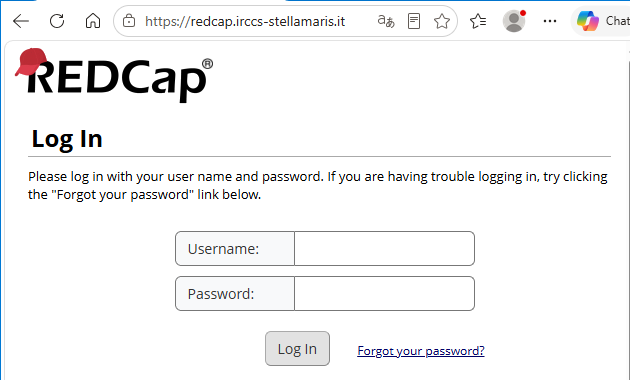
Enter your username an password. When prompted:
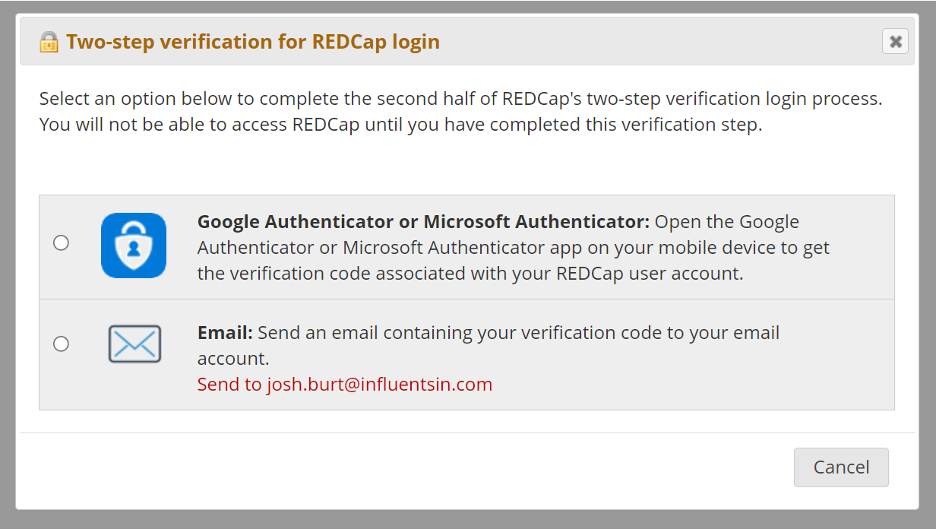
select Google Autenticator:
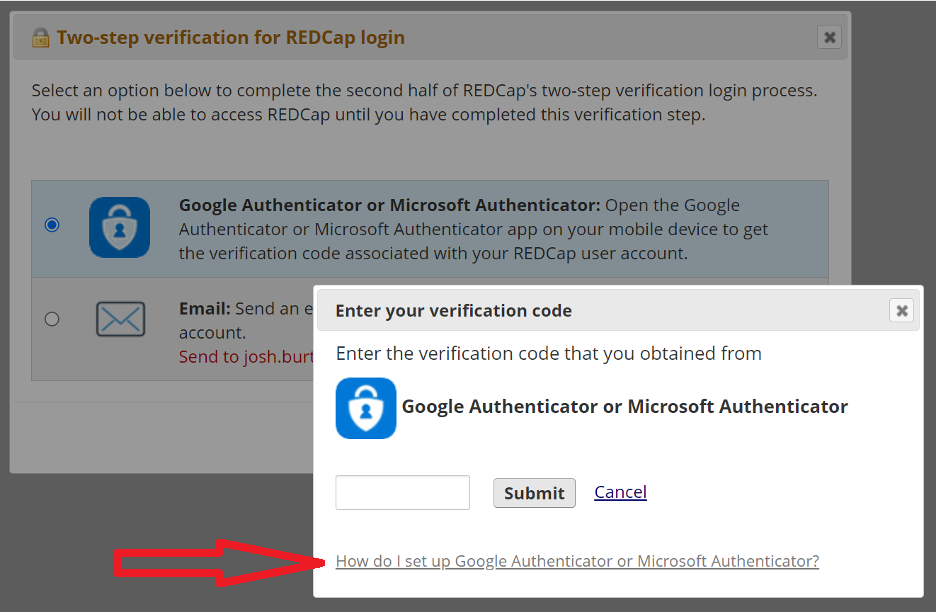
Clic on “How do I set up Goggle Autenticator …”:
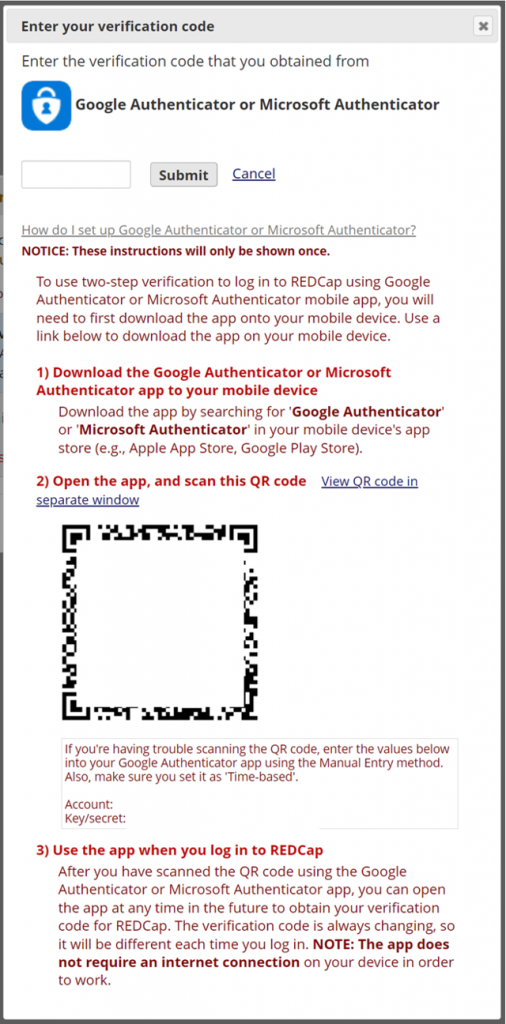
In the Google (or microsoft) Autenticator APP on your smartphone select “+”:
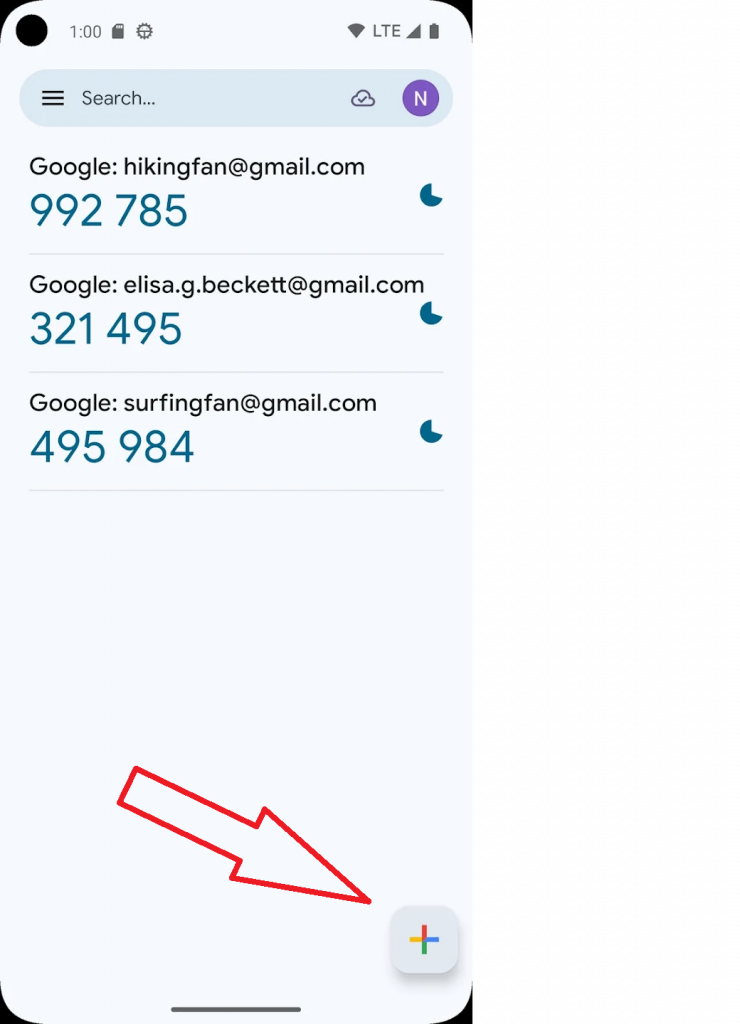
Click “scan QR code” and scan QR Code
Copy the code displayed in the APP and enter it into the verification form:
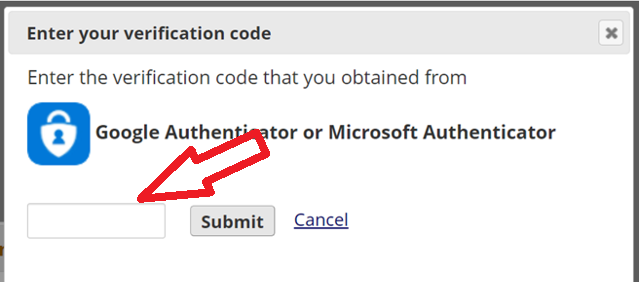
Click on “Submit”
That’s it.
In the future, you will only need to enter the verificatio code generated by the APP.